
Every committed sports fan has experienced the same problem: two matches kick off at the same time, both matter, and neither can be sacrificed. Whether it is the final round of a major tournament, the overlap between a domestic league weekend and a continental competition, or simply the chaos of a season finale Saturday, the simultaneous scheduling of meaningful live events has always tested the loyalty of fans who refuse to miss anything.
The technology for handling this problem has never been better. Streaming platforms, multiview features, multi-device setups, and dedicated multi-game applications have collectively transformed the experience of following multiple events at once from a logistical compromise into a genuinely functional viewing environment. Platforms like Seoul TV are built around the recognition that sports fans do not experience their sport one event at a time — they experience it as a continuous, overlapping, live landscape that demands multi-stream solutions.
This guide covers the specific methods available in 2026 for watching multiple live sports games simultaneously, from built-in platform features to hardware solutions to optimized device setups.
Method 1: Built-In Multiview on Streaming Platforms
The most accessible method for most sports fans is the multiview feature now integrated into major streaming platforms. These features have matured significantly in the past two years, and 2026 has seen meaningful expansions of what they offer.
ESPN App launched multiview on mobile and tablet devices in November 2025, extending a feature that had previously been limited to connected TV devices. The ESPN App now allows users to watch up to four live events simultaneously, with combinations curated by ESPN across its programming. More than two million ESPN App users had experienced the feature within its first two months of availability, engaging with more than 3,000 unique multiview combinations. The mobile expansion means the four-game simultaneous experience is available on smartphones and tablets, not just living room screens.
YouTube TV offers a fully customizable multiview feature available on Smart TVs, Roku, and Apple TV that allows users to build their own combination of two, three, or four games from any available live streams in their subscription. Users can select which game audio they hear and toggle captions between windows. The Sunday Ticket integration makes this particularly powerful for American football fans.
FuboTV provides up to four simultaneous channels on a single screen, with the added advantage of 1,000 hours of Cloud DVR storage for events that clash with other commitments.
NCAA March Madness Live expanded significantly for the 2026 tournament, adding true multi-game viewing across platforms for the first time — allowing users to stream two to four games simultaneously on mobile, desktop, or connected devices. The 2026 NCAA app update reflected what tournament producers described as a goal of bringing “the digital experience closer to the control-room wall — or the sports bar — than ever before.”
For most sports fans, these built-in multiview features offer the fastest and simplest path to simultaneous multi-game viewing with no hardware investment.
Method 2: Multiple Devices on the Same Network
For fans who want independent control over each stream — separate audio, separate quality settings, separate pause functionality — the multi-device approach offers the most flexibility. The premise is simple: run different streams on different devices simultaneously, each handling one event independently.
A practical multi-device setup pairs a large screen (television or monitor) carrying the primary event with secondary devices — a laptop, tablet, or smartphone — handling additional streams. Each device connects to its own streaming subscription or application, and audio management becomes the key practical challenge: most fans keep audio on their primary screen and mute or minimize secondary streams except during critical moments.
Most streaming platforms allow simultaneous logins across multiple devices under a single subscription, though concurrent stream limits vary by plan tier. Verifying the concurrent stream allowance of each subscription before a major multi-game viewing session prevents the frustration of being locked out of a stream mid-game.
Internet bandwidth is the practical constraint for multi-device setups. A single HD stream typically requires 5–8 Mbps; four simultaneous streams at HD quality require 20–32 Mbps of stable bandwidth. 4K streams demand significantly more. On home networks with robust internet connections this is rarely limiting, but users on mobile data should verify their plan’s streaming provisions before committing to a multi-game mobile session.
Method 3: Browser-Based Multi-Stream Tools
For fans watching on desktop or laptop computers, browser-based multi-stream tools provide a third approach that does not require platform-native multiview support.
Services like MultiScreen.live allow users to simultaneously display multiple live streams within a single browser window, arranging them in customizable grid layouts. This approach works particularly well for streaming services that do not have native multiview features but do support browser playback.
The browser-based approach also works well for combining streams from different platforms in a single view — displaying one event from a sports broadcaster, another from an official league stream, and a third from a free-to-air source simultaneously in a single organized layout.
Method 4: Multi-Screen Hardware Setup
For fans seeking the most immersive multi-game environment — and willing to invest in a dedicated setup — hardware multiviewer switches and multi-monitor configurations offer capabilities that software-only solutions cannot match.
An HDMI multiviewer switch takes video feeds from multiple HDMI sources — streaming devices, cable boxes, gaming consoles, laptops — and combines them into a unified display on a single screen. Common layouts include side-by-side (two sources), quad-view (four sources), and picture-in-picture configurations. Unlike software multiview, hardware-based solutions give the user complete control over which sources are combined, with no dependency on what a specific platform chooses to make available in its multiview mode.
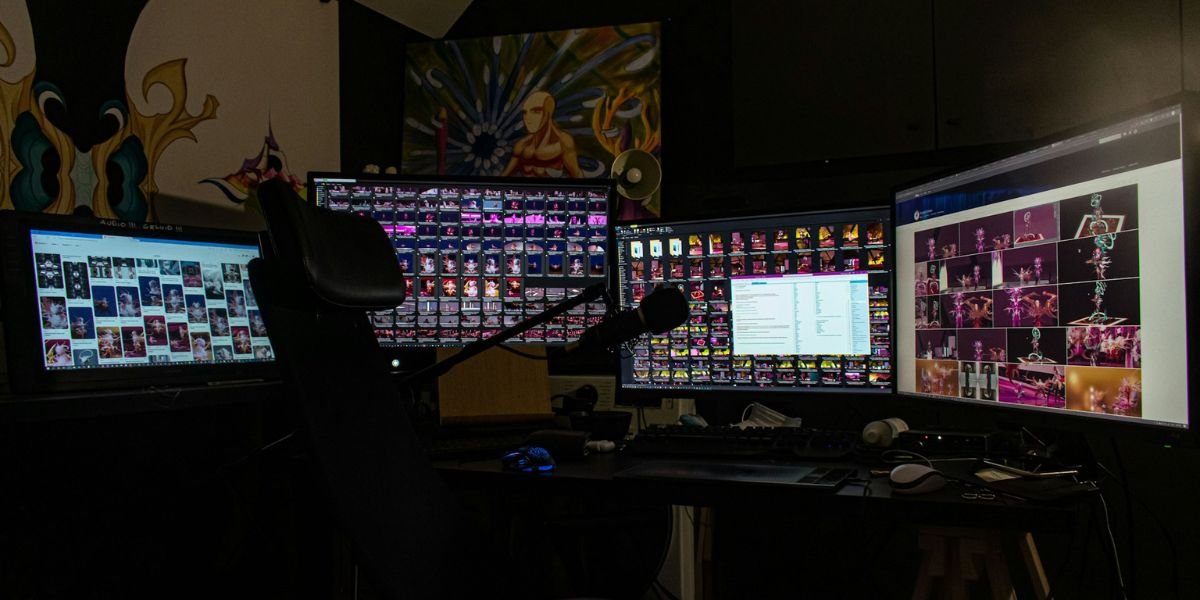
For fans hosting viewing parties or maintaining a dedicated sports viewing space, a multi-monitor or multi-TV setup extends the concept further: each screen handles one or two dedicated streams, with sources managed by a central media server or distributed streaming device. This is the sports bar model scaled down to a home environment, and it provides the clearest and most independent viewing experience for each event.
Managing Audio Across Multiple Streams
The most underrated challenge in multi-game viewing is audio management. Human auditory attention cannot follow four separate commentary tracks simultaneously — trying to do so produces cognitive fatigue and actually reduces engagement with all streams compared to managing audio intentionally.
The most effective approach is to designate a primary audio stream at full volume (typically the most important or closest match), use closed captions or a ticker-style display for secondary streams, and only actively switch audio to another stream when a high-priority moment occurs in that game. Many multiview platforms support this through a “highlight active” function that switches audio to whatever game is currently selected in the interface.
For multi-device setups, putting secondary devices on headphones or connecting to a separate small speaker allows the primary stream audio to dominate the room while secondary commentary remains accessible when needed.
Choosing the Right Approach for Your Setup
The right multi-stream method depends primarily on the devices and connections available and the number of events to be watched simultaneously. Built-in multiview on a Smart TV with a YouTube TV or ESPN subscription offers the simplest setup for casual multi-game viewing. A laptop running a browser-based multi-stream tool offers the most flexibility for desktop users who combine streams from different services. A dedicated multi-device setup with coordinated audio management offers the most independence and control for serious multi-game sessions. Hardware multiviewer switches are the right investment for fans who host regularly or want a permanent sports hub that any streaming source can feed into.
Final Thoughts
The infrastructure for watching multiple live sports games simultaneously has matured to the point where the limiting factor is no longer technology. It is attention — the finite cognitive resource that every fan manages differently depending on what events matter most on any given day.
The tools covered in this guide put the full range of solutions in reach, from built-in streaming features that require nothing beyond an existing subscription to hardware setups that approximate the control room experience in a living room. The right setup for any given fan is the one that matches their specific combination of devices, connections, subscriptions, and events — and in 2026, there is a solution for every combination.
The games are happening. The only question is whether the setup is ready for all of them.